Quick picks: build around your biggest friction point
Start with the problem you notice most often. If the desk itself is the issue, compare the chair and sit-stand desk first. If you already have a workable desk, a laptop stand, footrest, dock, or second screen may be a more focused upgrade. You do not need to buy everything at once.
How to choose without overbuying
Think in layers: seating and desk height first, screen placement second, and input devices and cable management after that. Match each purchase to your actual laptop, monitor, desk depth, and available space. Prices shown are catalog references and can change; check the current Amazon listing for the exact model, configuration, and price.
A practical buying order
For a fixed home office, prioritize a suitable chair and desk before smaller accessories. For a laptop-first setup, consider a stand plus external keyboard and mouse, then add a dock or portable monitor only if your workflow benefits from more connections or screen space. A footrest is most useful when desk and chair heights cannot otherwise be matched comfortably.
Frequently asked questions
Do I need every accessory? No. Buy only what addresses a specific issue in your setup. Is a laptop stand enough for all-day work? It can raise the screen, but an external keyboard and mouse usually make positioning more flexible. Should I buy a standing desk first? Only if you have the space and budget and expect to use the height adjustment. A desk accessory may be a smaller first step.
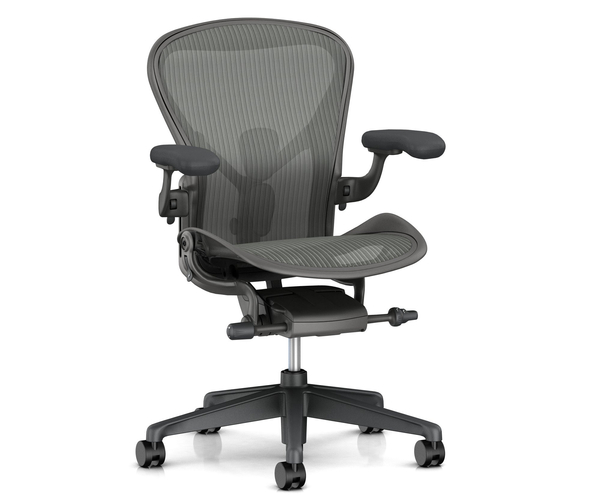
Herman Miller Aeron Chair
A premium chair option for buyers prioritizing a dedicated workstation. Its price makes fit, adjustment range, and return terms especially important to confirm before buying.
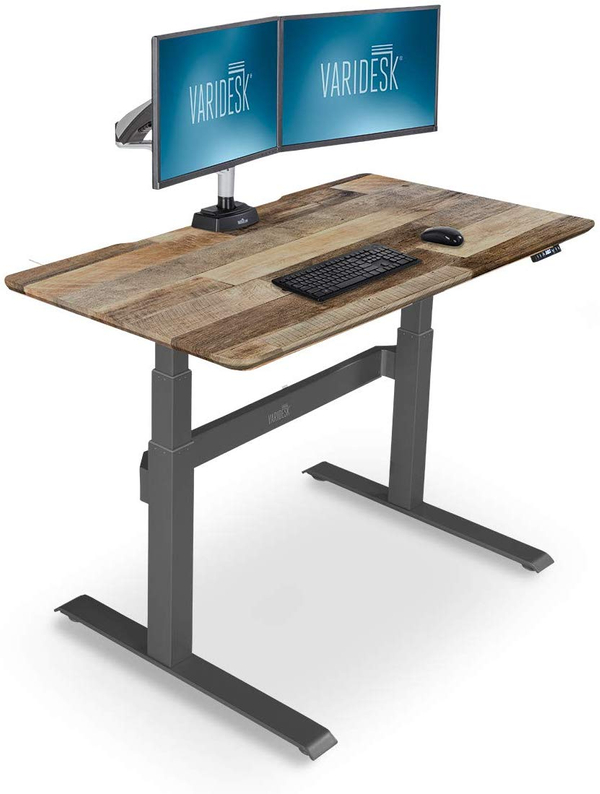
Varidesk Electric Sit-Stand Desk
An electric sit-stand desk is a substantial workspace upgrade for people who want to alternate working positions. Check dimensions, height range, and assembly details on the current listing.
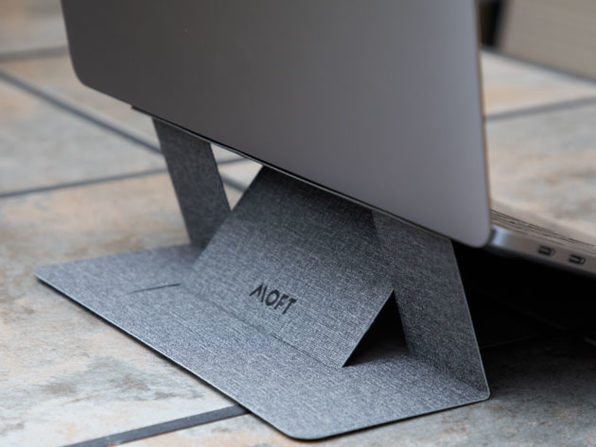
MOFT Invisible Laptop Stand
A compact laptop stand is a simple way to change screen height without adding a large desktop accessory. Confirm laptop size and attachment compatibility.

LapGear Pro Lap Desk
A lap desk gives couch or occasional mobile work a more stable surface than balancing a laptop directly on a blanket. Check dimensions and ventilation needs for your device.
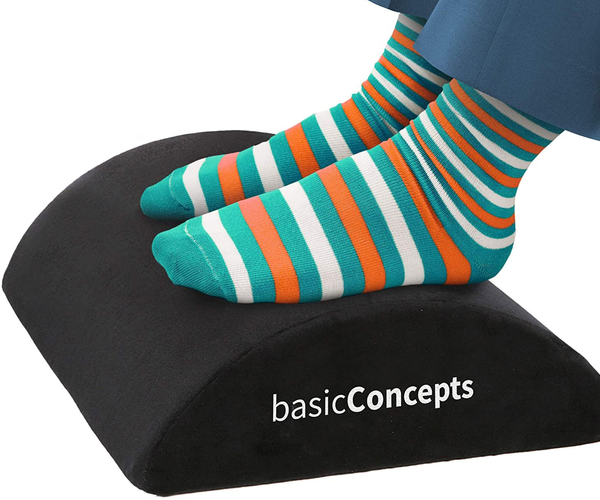
Under Desk Foot Rest
A footrest can help when a chair is set to the right height for the desk but the user's feet do not rest comfortably on the floor. Compare height and surface dimensions.
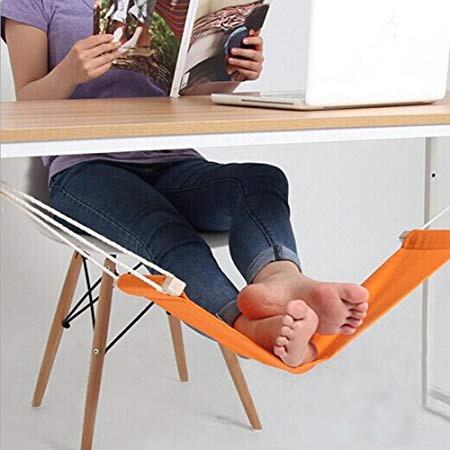
Desk Foot Hammock
A suspended foot support is an alternative to a floor-standing footrest. Confirm desk compatibility and whether the hanging position feels stable for your use.
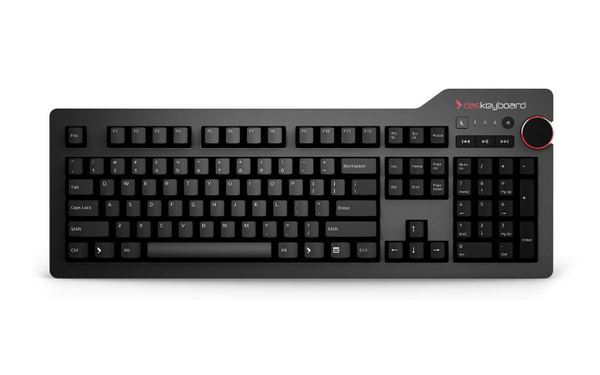
Das Keyboard 4 Mechanical Keyboard
A dedicated mechanical keyboard can be a meaningful typing upgrade. Check switch type, layout, connection, and noise level before choosing.

Laptop USB-C Docking Station
A USB-C dock can simplify a desk with several peripherals, but port selection and host-device compatibility matter more than the number of sockets alone.

Duex Plus Portable 2nd Monitor For Laptops
A portable second screen adds display space without committing to a permanent monitor. Confirm laptop compatibility, mounting method, weight, and screen dimensions.

Knodel Desk Pad
A desk pad creates a defined work surface and can make a desk feel more organized. Check dimensions and material care instructions.
The Curator's Verdict
The smartest home-office setup is not the one with the most accessories. It is the one where the chair, desk, screen, and input devices fit the way you actually work. Start with the biggest friction point, measure before ordering, and add accessories only when they solve a clear problem.